
PRINTPACK / DESK
Prepare the files.
Keep the whole picture.
English originals plus German files and instructions are included on Etsy, Payhip and Gumroad. Open the additional DE archive.
A downloadable desktop tool for preparing the artwork you already own.
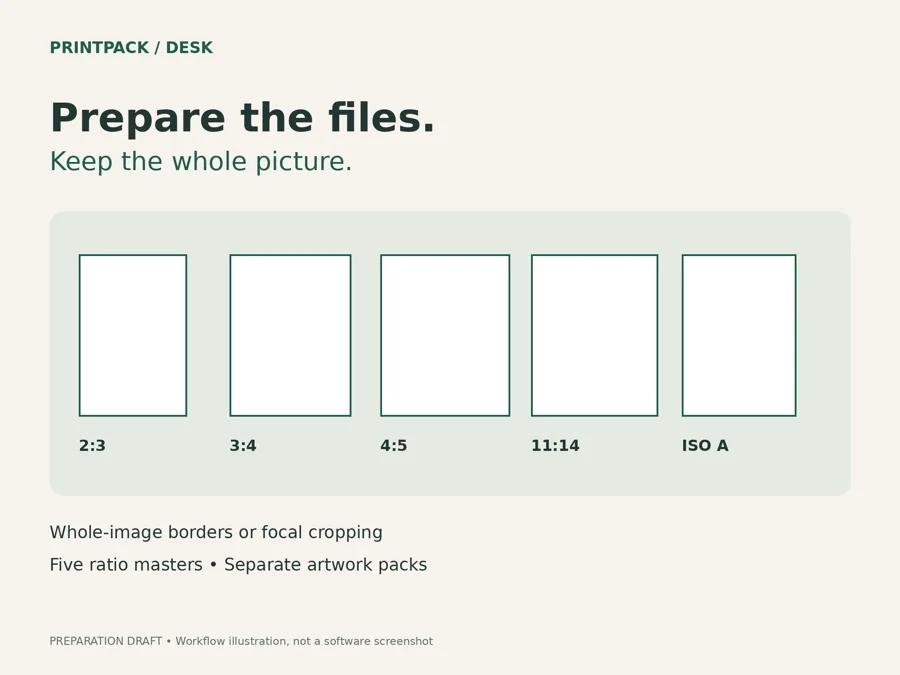
One batch.
Five print ratios.
Prepare up to 20 JPEG or PNG images. Choose white borders to keep the full composition, or crop to fill the frame and adjust the focal position.
- 2:3, 3:4, 4:5, 11:14 and ISO A-series ratio masters.
- Portrait, landscape or automatic orientation.
- Named JPEG files, separate ZIP packs per artwork and a text print-size guide.
- Processing happens locally in the downloaded HTML tool.
From artwork to an organized delivery pack
Extract and open
Extract the downloaded ZIP. Open PrintPack-Desk.html in desktop Chrome on Windows, the tested workflow.
Choose fit or crop
Add your own artwork, select ratios and review every preview. Transparent areas become white; crop can remove image edges.
Review and export
Export a small batch first. Check the actual pixel dimensions and each file before printing or delivering.
Check the boundaries before buying
JPEG/PNG only; up to 25 MB and 24 megapixels per image. No upscaling. ICC profiles and source metadata are not preserved. This is not a professional color-management tool. Other browsers, macOS and mobile devices have not been verified.
Artwork, Etsy upload, store management and image generation are not included. PrintPack Desk is independent of Etsy. The product cover illustrates the workflow; it is not a software screenshot.